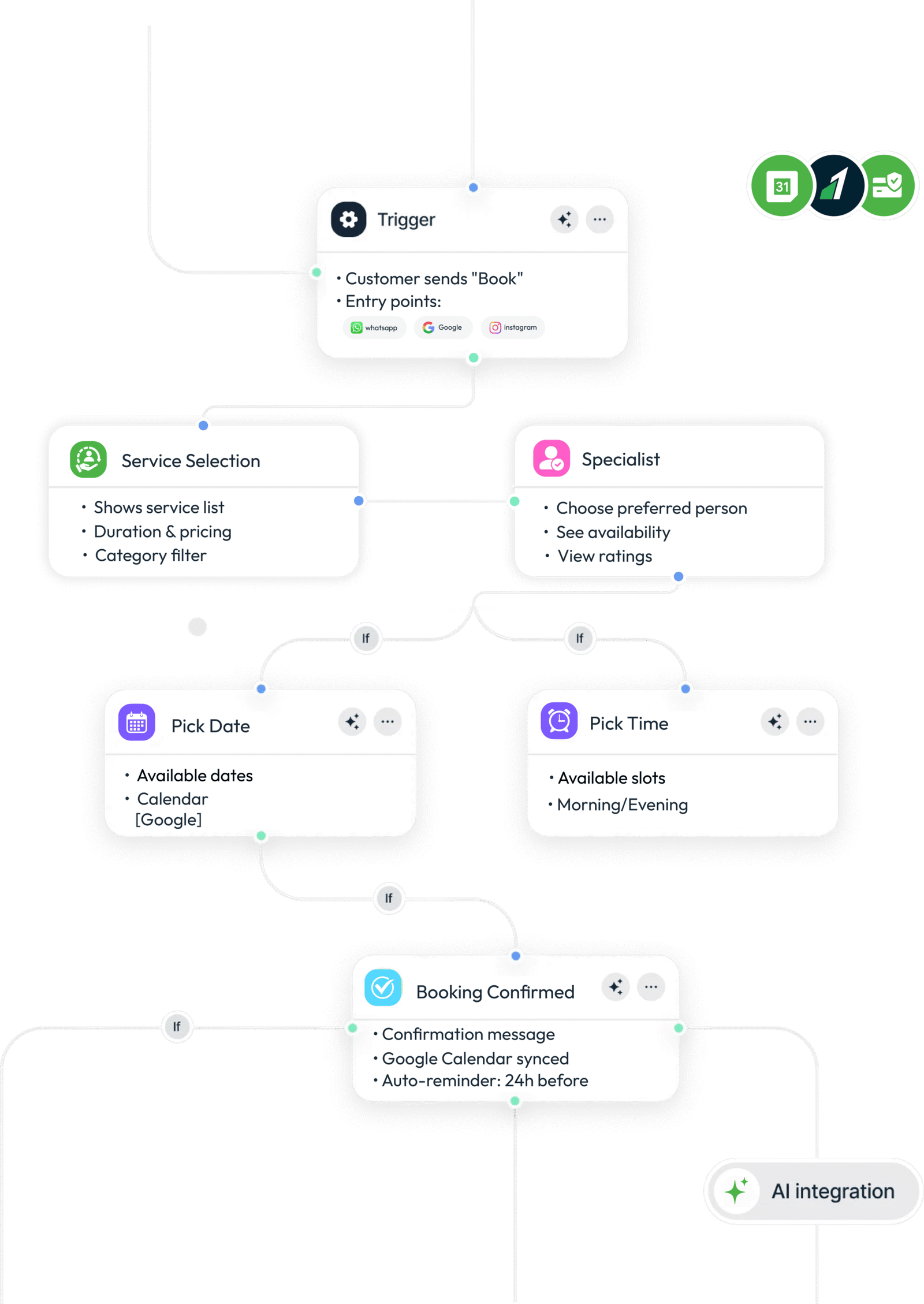
Share your WhatsApp link on social media, your website, Google Business, or a QR code. Customers message you, tap Book Appointment, and choose a service and available slot — all in WhatsApp.
2.Do my customers need to download an app?
No. Customers book entirely in WhatsApp. No App Store download, no account signup on your side.
3.How do I add services?
In your Peedi dashboard, go to Services and add each offering—name, duration, price, and optional category. If you use specialists (e.g. stylist or doctor), turn on Specialist in settings and link services to the right people. Once saved, those options appear when customers tap Book Appointment in WhatsApp.
4.Can customers pay when they book?
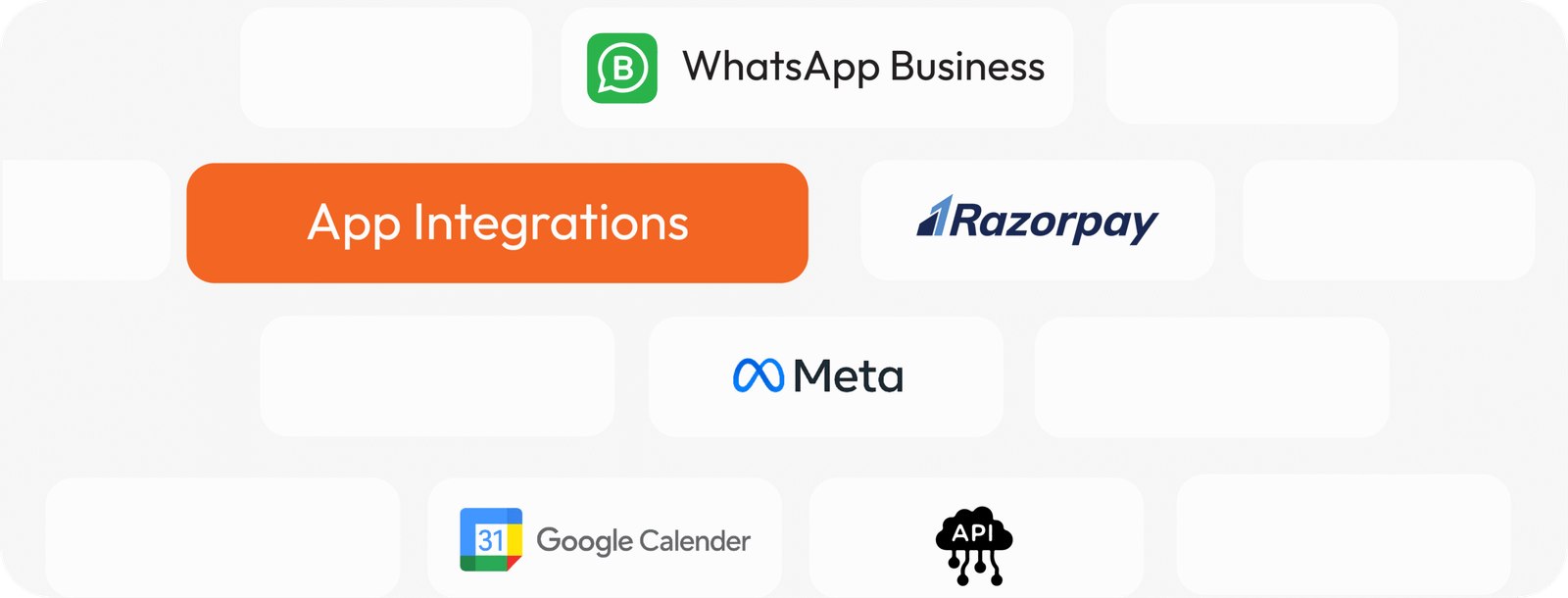
Yes, if you connect Razorpay in your dashboard. Customers can pay for a service as part of booking (when you enable it). You can also take payment in person and use WhatsApp only for scheduling—whatever fits your business.
5.How does booking work on WhatsApp?
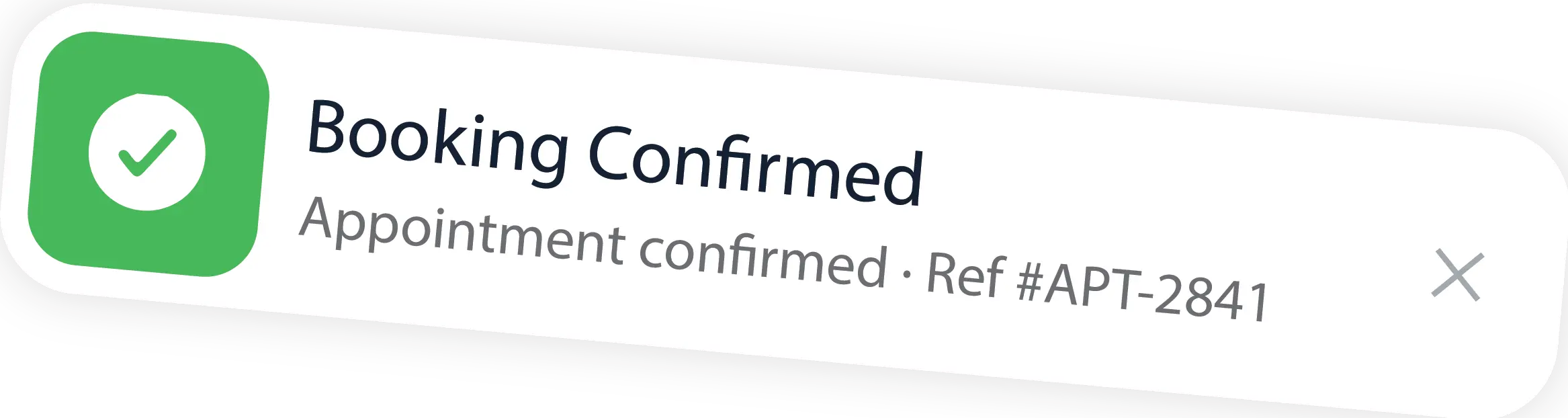
Customers tap Book Appointment in chat and follow a guided flow: choose a service (and specialist if you use one), pick a date and available time slot, enter their details, then confirm. They get a confirmation and reference in WhatsApp; you see the appointment on your calendar dashboard. No cart or checkout like a shop—just pick a slot and confirm.
6.Can I track and manage appointments?
Yes. Open Appointments in your dashboard to see today’s schedule, upcoming bookings, and status. You can reschedule, mark check-in/check-out or completed, and get push alerts when someone books. Connect Google Calendar in Settings to sync appointments to your calendar.
7.Can I use my existing phone number?
Yes. Connect your existing WhatsApp number. It works alongside your WhatsApp Business app — you'll see all conversations on both your phone and the Peedi dashboard.
8.Can I sync with Google Calendar?
Yes. Connect Google Calendar in Settings so appointments sync to the calendar you already use.
9.How many services can I add?
Add all the services you offer (cut, consult, check-up, etc.) with duration and price. Any limits depend on your Peedi plan.
10.Can I set availability and avoid double booking?
Yes. Set your hours, working days, buffers, and daily limits in Settings. Customers only see open time slots.
11. Can I create appointments manually for walk-in customers?
Yes. Add bookings from your Appointments dashboard for walk-ins, phone calls, or front-desk requests.
12.Is there a free trial?
Yes — 1 month, full access to all features, no credit card required. Set up your store and start selling risk-free.